

Quiet Glow Player
Quiet Glow Player1 photo
Pick a design, choose your song, and add your photos — make a video with free preview, no card needed.
The essentials about original AI songs, personal photos, designs, and finished videos.
Video preview, browser rendering, and download with our designs are free. Use an imported Suno song, an uploaded audio file, or a song from your library. Creating a new AI song is separate; see Pricing for current availability.
Choose a video design, then import a public Suno link, upload audio, or choose from your library. Add your photos, preview the result, and download the video in your browser.
Yes. Upload an MP3, WAV or M4A file up to 100 MB and 15 minutes. You can use downloaded audio from Suno or Udio, or another song you have permission to use, then combine it with your photos and a video design.
Each design has a different number of photo slots, shown on its card and detail page. In the editor, upload your photos, place them in the slots, and preview the result.
A full video normally follows the length of your selected song. When the song is longer than the design, the visuals repeat. Check your project preview and export settings for the final duration.
Video preview and export with our designs are free. New AI music generation is separate; see Pricing for current availability.
Your story, your song, your photos. Bring them together in a music video.
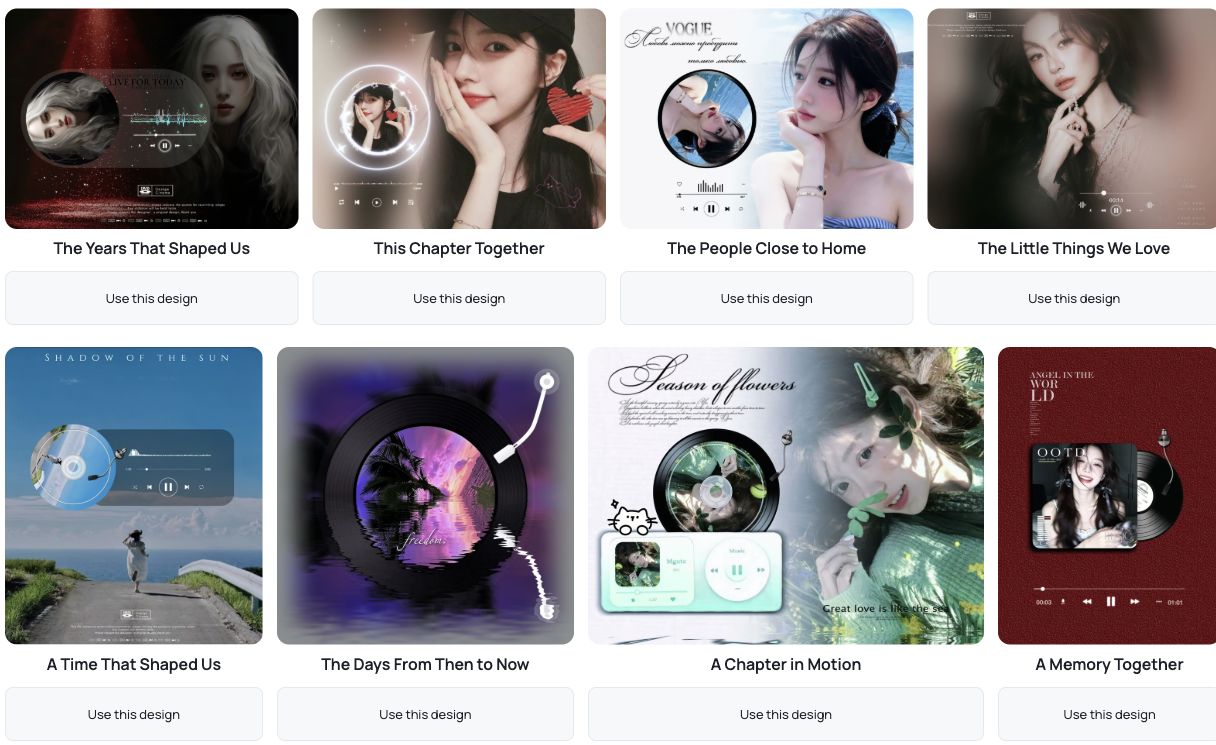
Preview the styles, check how many photos you need, and choose a design for your moment.
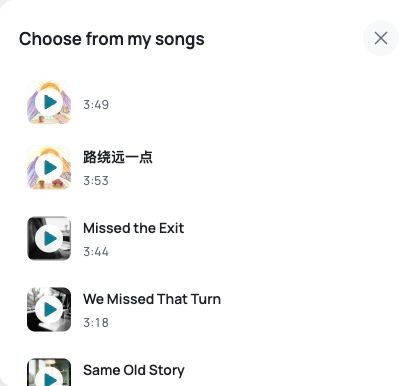
Import a Suno link, upload an audio file, or choose a song from your library.
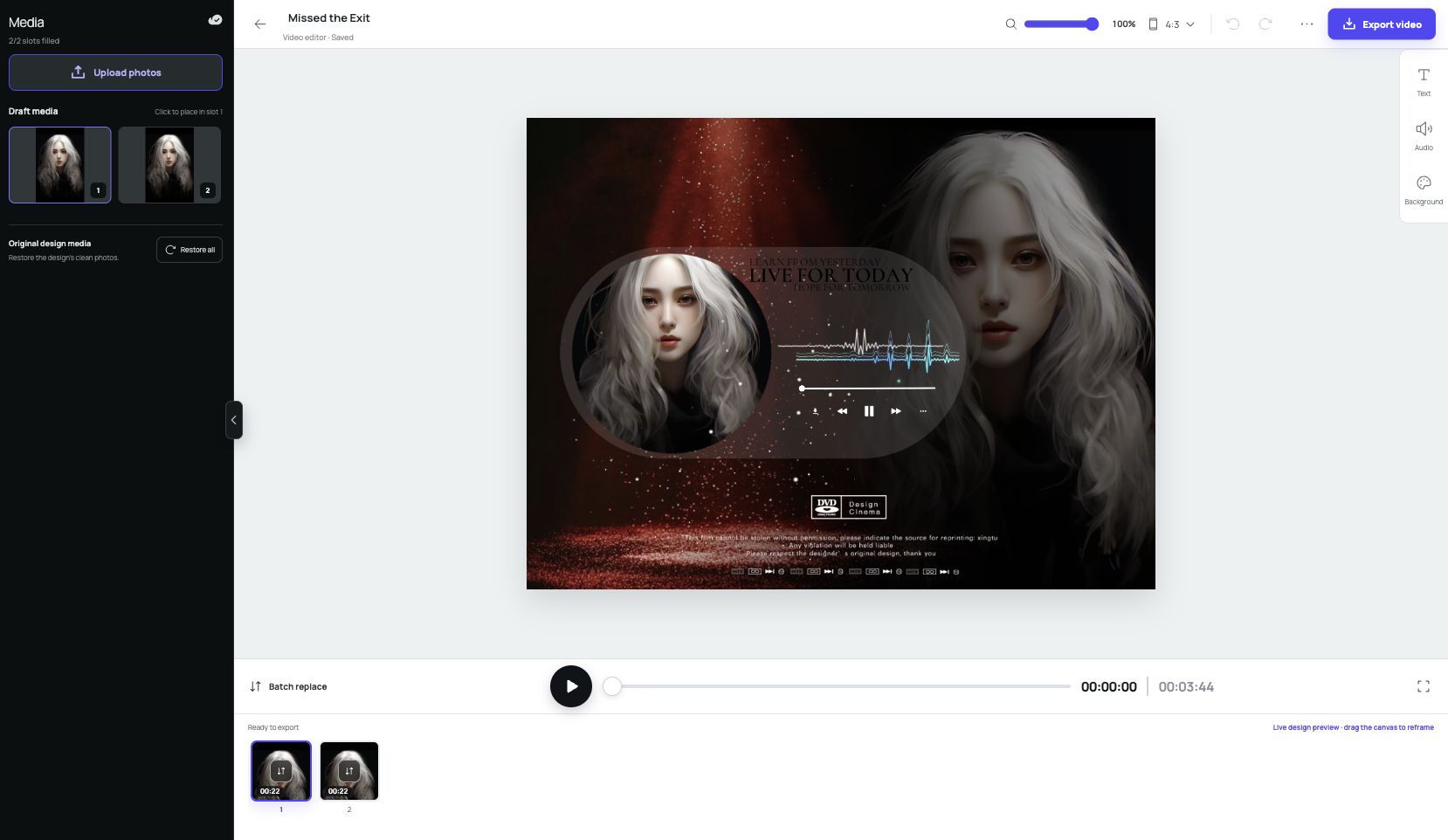
Add your photos, preview the video, then render in your browser and download it to your device.
View export settings